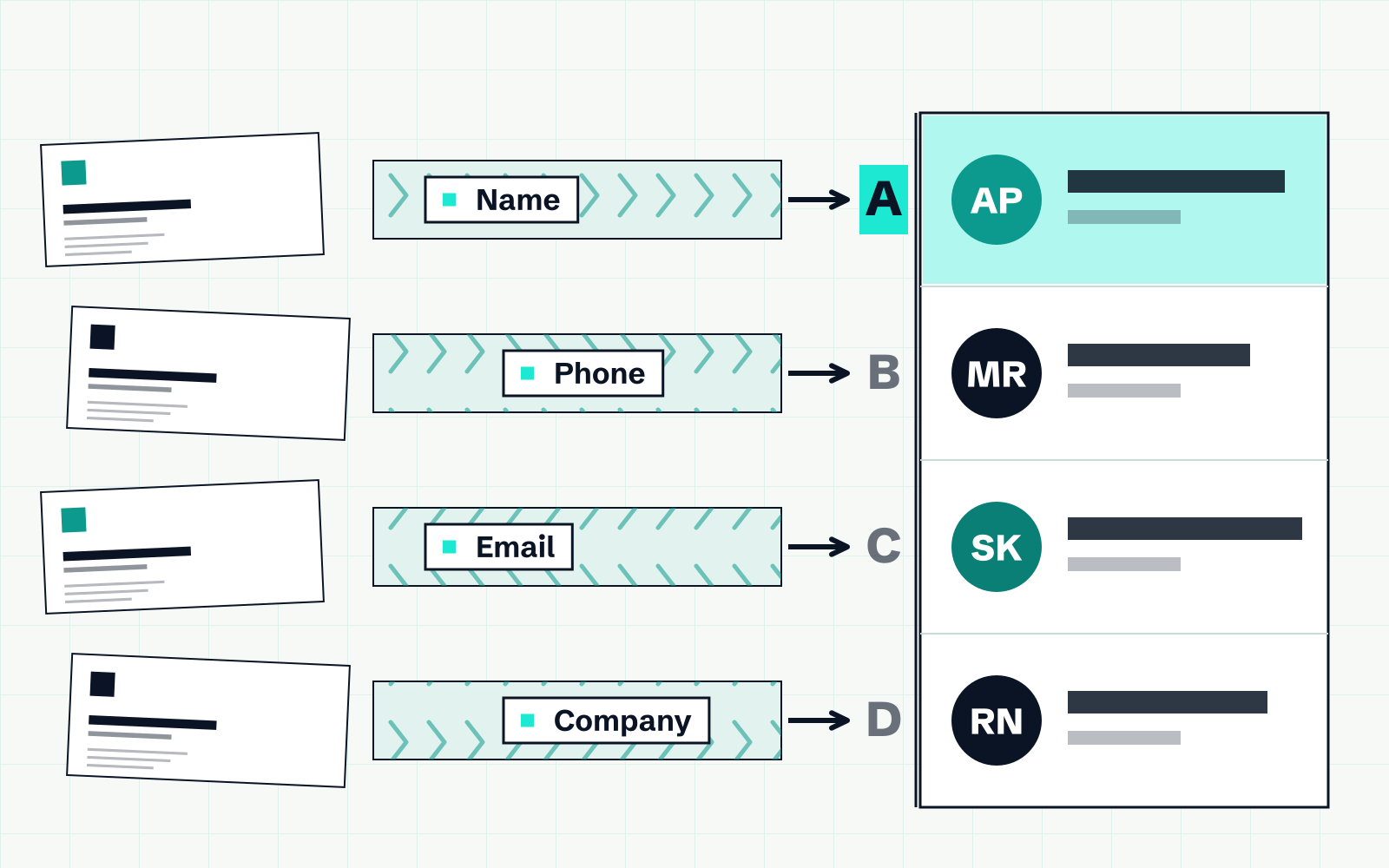
Start by getting every card scanned
Organization only works if everything is in the same place. Scan the stack in one sitting if you can, and review each card’s fields as you go. Cardenius shows the extracted fields so you can review and correct them before saving.
Categories and tags do different jobs
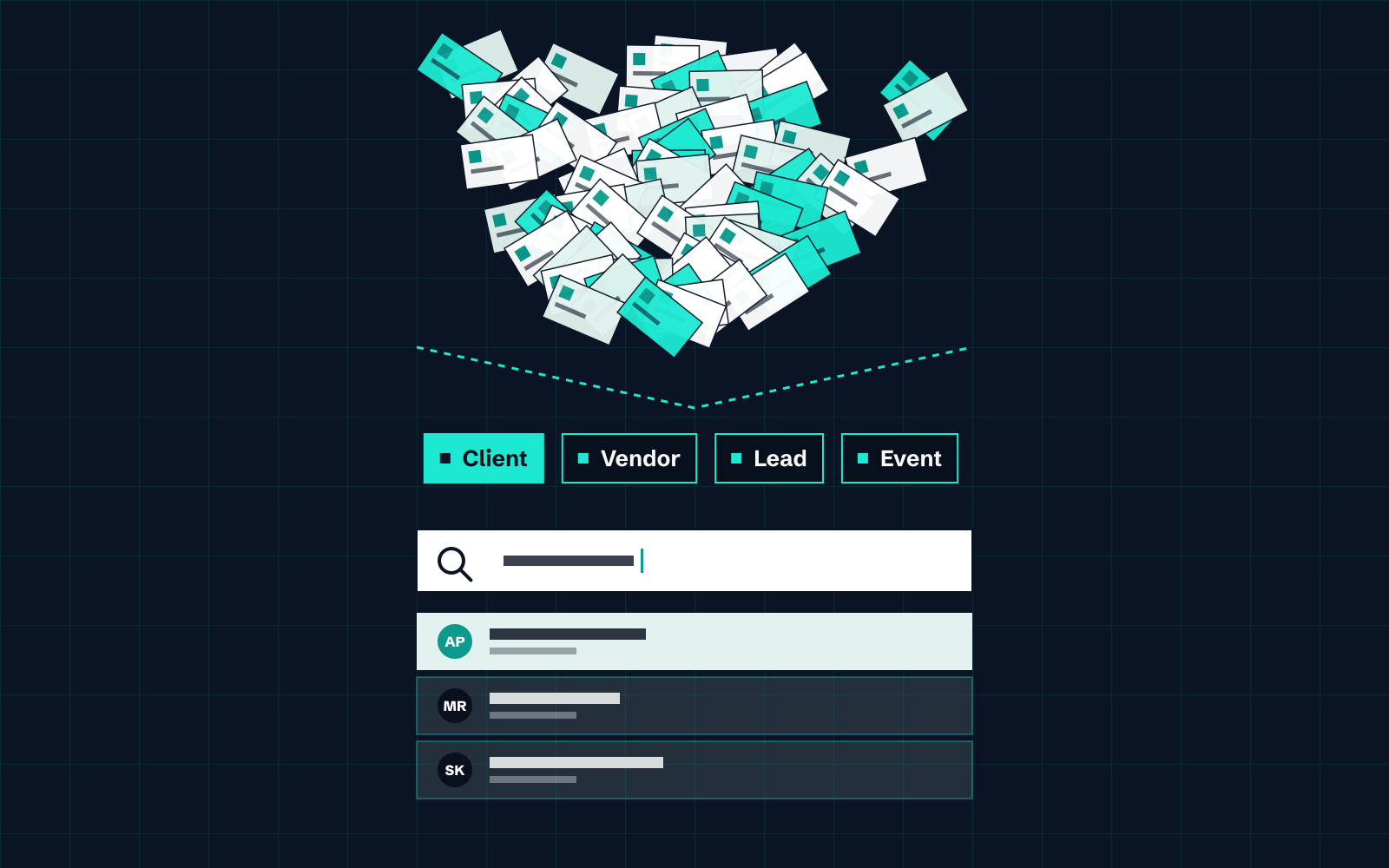
Use categories for broad groups and tags for details that cut across them.
- Categories answer “what kind of contact is this?” Customers, suppliers, partners. The Free plan includes 3.
- Tags answer “what else is true about them?” An event, a city, a product they asked about. Cardenius supports tags with multi-tag filtering, so you can narrow a list with more than one tag at once.

A tagging scheme that stays tidy
Tags help only if you use them the same way each time. Pick a small set of tag types and stick to them:
| Tag type | Examples | Use it to find |
|---|---|---|
| Event and year | Expo-2026, Conf-Pune | Everyone you met at one event |
| Interest | Demo, Quote, Distributor | People waiting on something from you |
| Place | Surat, Mumbai, Dubai | Contacts near a trip you are planning |
Keep tags short and avoid near-duplicates such as “Expo” and “expo-2026”. With multi-tag filtering, “Expo-2026” plus “Quote” gives you everyone from that event who asked for a quote.
Naming and note conventions
Searching works best when contacts are saved the same way each time. Settle a few habits early:
- Company in the company field. Searching “Sharma” should not return every person at Sharma Traders unless you want it to.
- One note format. “Where, what, next step” is enough: “Surat expo, wants a quote, call after the 15th”.
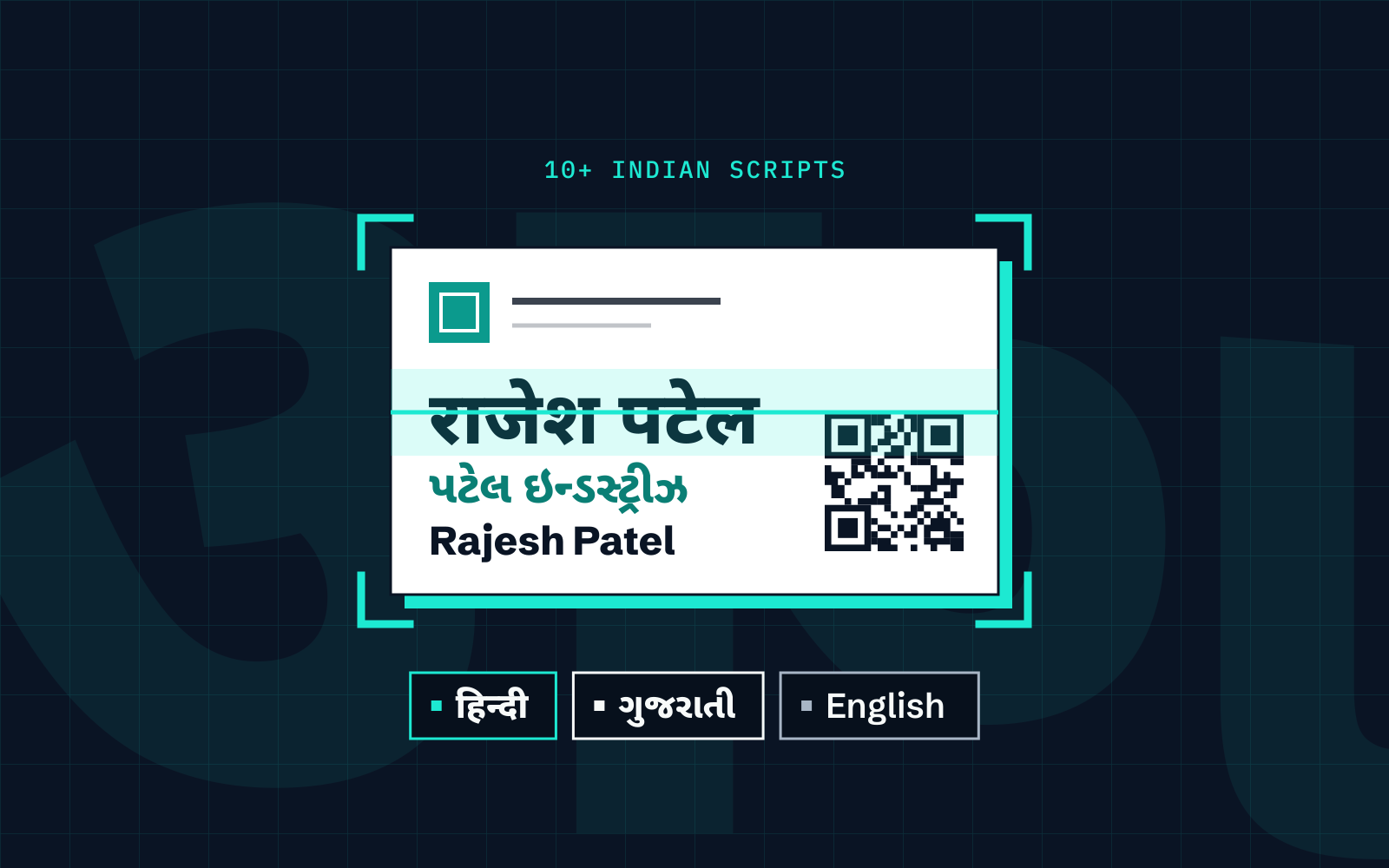
- Keep the native script. If the card is in Hindi or Gujarati, keep both versions of the name, as the multilingual guide explains.
Cleaning up an existing pile
If you already have a drawer of cards, treat it as three piles rather than one large job:
- People you need now. Scan these first, tag them, set a reminder.
- People you might need. Scan them next and put them in a category.
- People you do not remember. Scan them last, or put the cards aside for another week. If you do not recognise a name, a note saying so is fine.
Do the first pile today. The second and third can happen over a few sittings, and the system works even if the third pile never gets scanned.
Finding people before a meeting or trip
A good system pays off when you need someone quickly. Before a meeting, search the company name and read the notes. Before a trip, filter by the city tag to see who you could meet. Premium includes Map / Nearby for the same purpose, and Meeting Mode for the meeting itself.
Search instead of scrolling
Once contacts have names, companies, notes and tags, search does the work. Cardenius search covers what you saved. Bilingual search helps with contacts saved in both a native script and English. Use bilingual search to find contacts, and notes to recall the conversation.
Turn contacts into a pipeline
Some contacts are people, others are opportunities. Cardenius includes a lead pipeline so you can see where each one stands, and notes with interaction history so you can see what was discussed and when. Reminders prompt the follow-up. The Free plan includes up to 3 reminders.
Add a note straight after every conversation. A short line such as “wants a quote for 200 units, call after the 15th” is more useful than anything you will remember a month later.
As the list grows
A list of fifty contacts can be browsed. A list of five hundred needs to be filtered. Use tags and categories to cut it down, and use search for the rest. Review your tags every few months: pick one name where you have near-duplicates, drop tags you never use, and keep the set small enough that you can remember it.
It also helps to treat export as part of the routine. A CSV or Excel copy lets you sort the list in a spreadsheet, and it doubles as a backup.
A fifteen-minute weekly routine
- Scan any new cards and review the fields.
- Add a category and a tag to each new contact.
- Write a note for anyone you spoke to.
- Set a reminder for the follow-ups that matter this week.
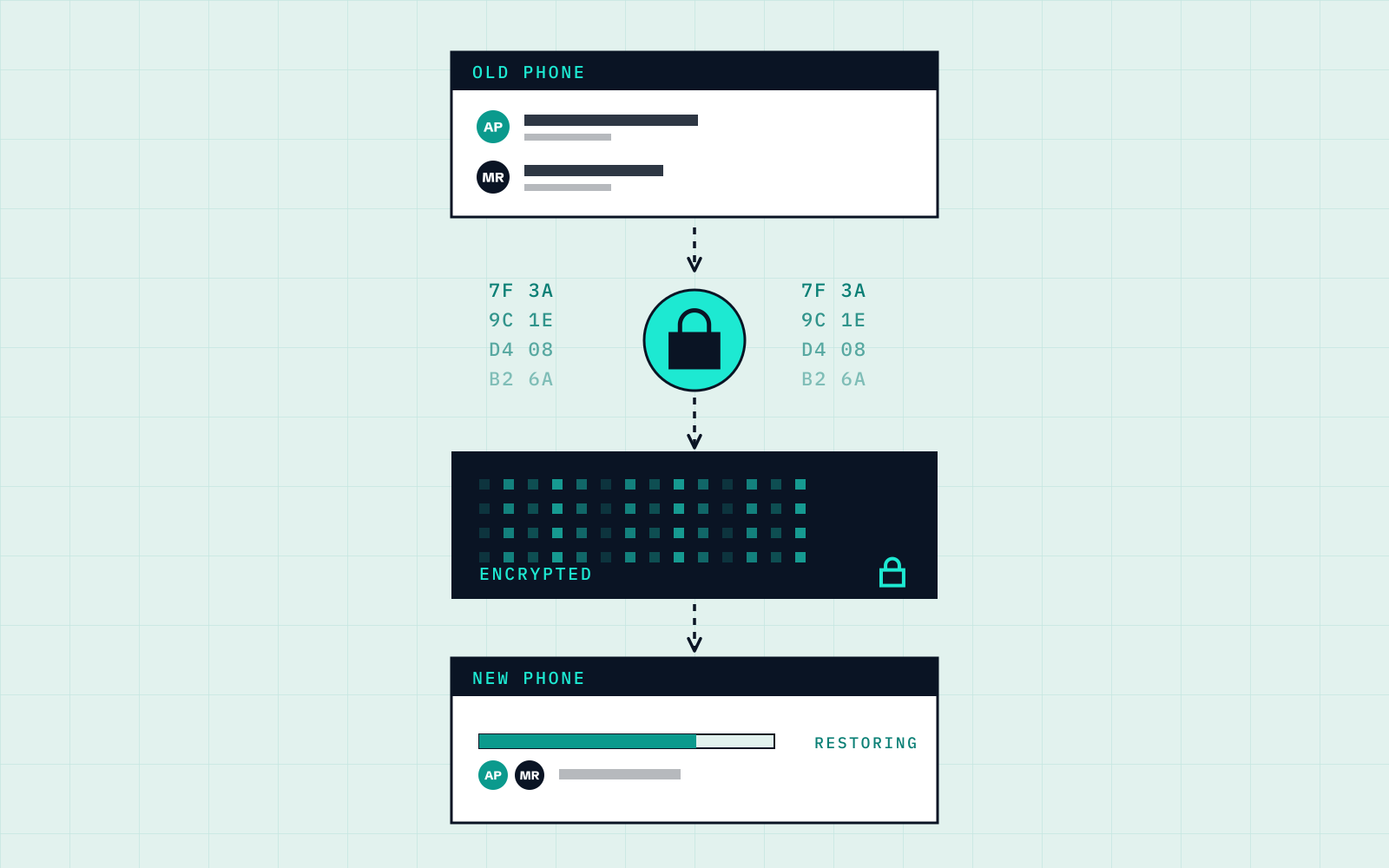
- Export a copy, or back up. See the backup guide.
If you came to this after saving cards into your phone, that guide covers the export. For event follow-up in India, read the visiting card guide.
Key takeaways
- Scan everything into one place first. Hundreds of cards need Premium, since Free holds up to 50 contacts.
- Use categories for broad groups and tags for details that cut across them.
- Keep a small, consistent set of tag types, such as event, interest and place.
- Add a note after each conversation and set a reminder for the follow-up.
Frequently asked questions
How many cards can I organize for free?
The Free plan holds up to 50 contacts. Premium has unlimited contacts.
Should I use categories or tags?
Both. Use categories for broad groups such as customers and suppliers, and tags for details such as event, city or interest. Cardenius supports multi-tag filtering.
Can I search in Hindi and English?
Cardenius supports bilingual search, so contacts saved with native-script and English names can be found in either language.
How many reminders can I set?
Up to 3 on the Free plan.
Can I take my organized contacts elsewhere?
Saved-contact export supports CSV, Excel and vCard, but is not available on Free.