What can go wrong
A phone gets dropped in water, stolen from a bag, or replaced in a hurry. The contacts you scanned from cards at a conference two years ago are on that phone, and you no longer have the cards. Most people only think about backup after that moment.
The aim is simple: your scanned contacts should exist in at least one place besides your phone, and you should know how to get them back.
Three layers of protection
- App Lock controls who can open Cardenius on your phone. It protects against someone picking up your phone. It does not create a copy of your contacts.
- Exports. Saved contacts export as CSV, Excel or vCard. These are copies you control. Saved-contact export is not available on Free.
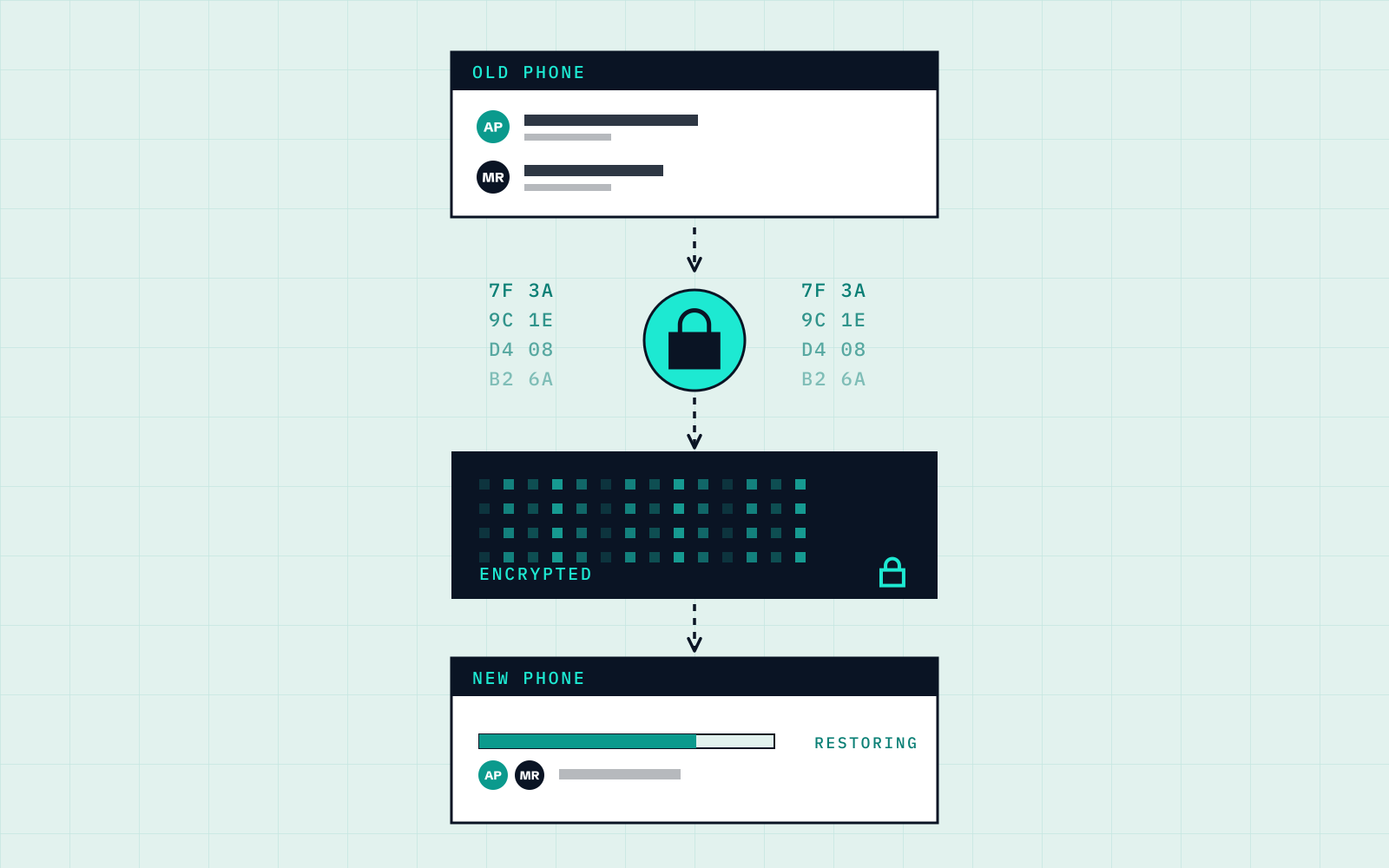
- Encrypted cloud backup. This is a Premium feature that stores a backup in the cloud in encrypted form.

Encrypted cloud backup
Encrypted cloud backup is included in Premium. It keeps a copy of your contacts away from your phone, to help protect against losing the only copy. It needs a connection, because the backup goes to the cloud. If you are travelling, the offline guide suggests backing up when you are next connected.
The details of how Cardenius handles data are in its Privacy Policy. This guide uses only the high-level description: your backup is encrypted.
Keeping a copy with saved-contact export
If your plan includes saved-contact export, keep a regular copy. Export is not available on Free. Choose the format for its purpose:
| Format | Good for |
|---|---|
| vCard | Restoring contacts into a phone’s Contacts app |
| CSV | A simple, portable copy that other tools can import |
| Excel | A readable copy you can sort and filter |
Exported files are ordinary files. Store them somewhere you would keep other sensitive documents, such as a protected folder or your own cloud storage. PDF is not on this list because it is for sharing your Digital Card, not for exporting saved contacts.
Backup, restore and import options
Consider the available options:
- From an encrypted cloud backup (Premium). Use Cardenius’ available backup and restore options; requirements need checking before you rely on recovery.
- From an export. Cardenius supports importing CSV, vCard and phone contacts. Excel export is not a confirmed import route.
Check the available restore or import option before relying on it. Verify the contacts recovered; do not assume an automatic device transfer.
If you lose your phone
Keep these priorities in mind:
- Secure the phone. Use your phone’s own lock and find-my-device options. App Lock adds a second barrier to the Cardenius app, but it does not replace locking the phone.
- Check access to your available backup or export.
- Restore your contacts. Use the available restore options for your backup, or a compatible CSV/vCard import. Check requirements first.
- Check the result. Open a few contacts you know should be there, and compare the total against what you expect.
- Make a new backup straight away, so the next accident starts from a current copy.
Switching phones on purpose
Before handing over an old phone, make an available backup or export and check the relevant restore or import requirements. Confirm the contacts are accessible before wiping the old phone; keep it intact while checking.
CSV and vCard are supported import formats. Confirm compatibility on the receiving device; this does not establish a cross-platform transfer procedure.
Back up around events
The riskiest period is right after an event, when your phone holds dozens of new contacts you may not have anywhere else. Back up or export as soon as you have reviewed them. The same applies after a long trip, when the phone has been through a lot.
Habits that keep it safe
- Back up or export after every event or batch of new cards.
- Do a monthly export even if you have cloud backup.
- Turn on App Lock if your phone is shared or often unattended.
- Review and tidy contacts before backing up. The organizing guide covers that. For getting contacts into your phone’s Contacts app, see this guide.
Key takeaways
- Keep your scanned contacts in at least one place besides your phone.
- Premium includes encrypted cloud backup. Saved-contact export supports CSV, Excel and vCard, but not on Free.
- App Lock controls access to the app. It is not a backup.
- Check available restore requirements and verify recovered contacts before relying on backup.
Frequently asked questions
Is backup free?
Saved-contact export is not available on Free. Encrypted cloud backup is a Premium feature.
What formats can I export?
CSV, Excel and vCard.
Can I restore my contacts on a new phone?
Use Cardenius’ available backup and restore options and check their requirements. CSV, vCard and phone-contact imports are supported; an automatic new-phone restore is not confirmed here.
Is PDF a backup format?
No. PDF is for sharing your Digital Card. Saved contacts export as CSV, Excel or vCard.
Does App Lock back up my contacts?
No. App Lock controls who can open the app on your phone. It does not create a backup copy.