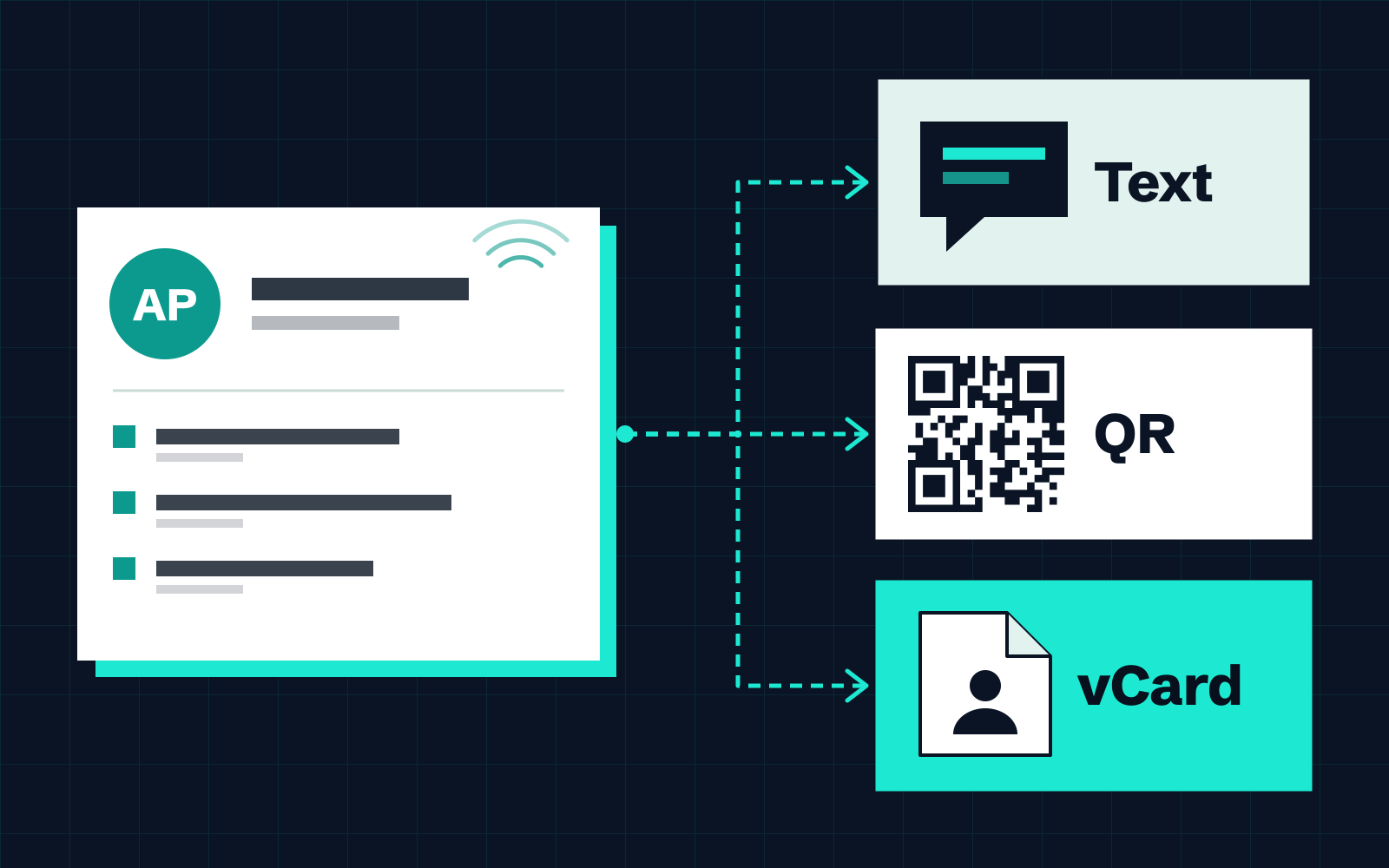
What your Digital Card can be sent as
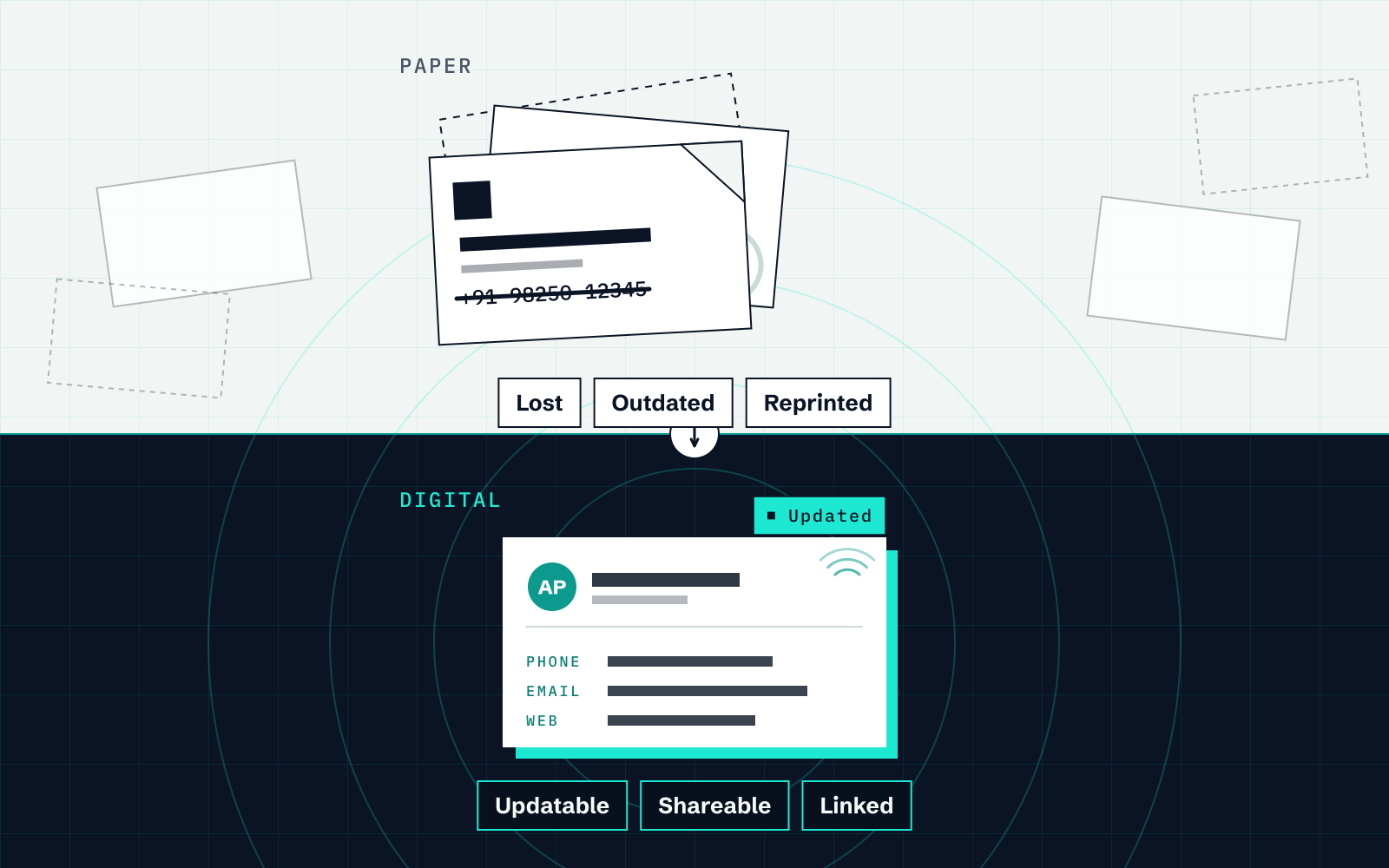
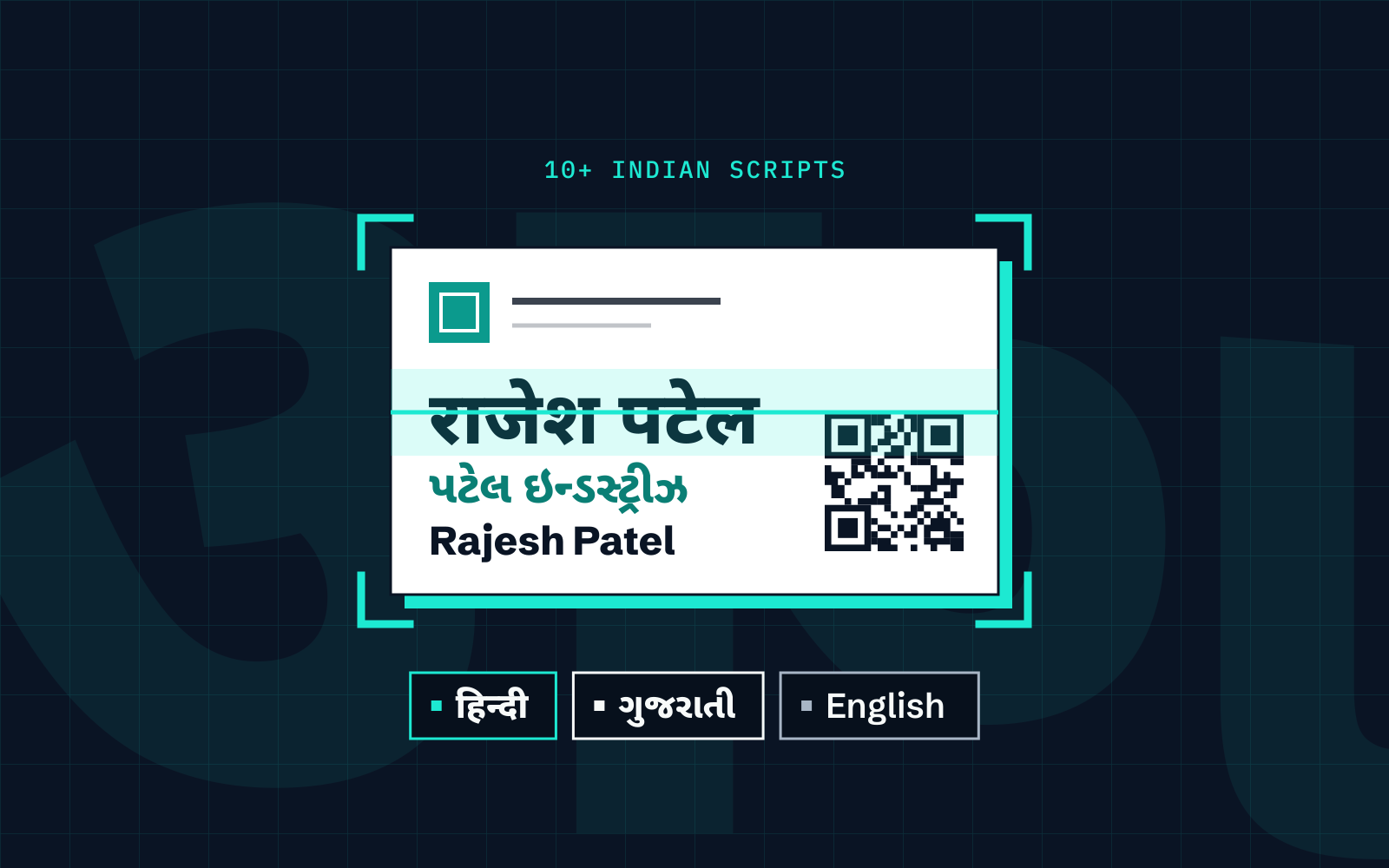
A Cardenius Digital Card holds your name, role, company and contact details in one designed card. You can send it in seven ways: on WhatsApp, as a QR code, as a PDF, as an image, as a link, as a vCard, or as text. The Free plan includes 5 Digital Card templates, and Premium adds more themes.
WhatsApp sharing is included on the Free plan, so it is an option when someone asks for your details.
What to put on your card
Keep your Digital Card concise: include what a person needs to act on and leave out the rest:
- Name, designation and company, so they remember who you are.
- One main phone number. If your WhatsApp number differs, include it too.
- Email and website, if you want people to look you up.
- An address only if people visit you in person.
Pick one of the 5 templates on the Free plan. A plain, readable layout does the job, and Premium themes are optional.
Send your card on WhatsApp, step by step
- Open your Digital Card in Cardenius. If you have not set it up, fill in your details and choose a template first.
- Choose the available share option for the card.
- Select WhatsApp as the way to share.
- Choose the person or chat in WhatsApp.
- Review and send.
After that, the card is a normal WhatsApp message. You can share your details instead of reading them aloud.
Choosing the right format
| Format | Works well when |
|---|---|
| You are already in the conversation, or about to start one | |
| QR | The other person is in front of you and can scan your screen |
| vCard | They want to open or import your details in a compatible Contacts app |
| Image | You want to share the card layout as an image |
| You are sending a proposal or email and want the card attached | |
| Link | You want to put the card in a profile or a signature |
| Text | A short message is all that is needed |
Mistakes to avoid
- Sending the wrong number. Check the phone and WhatsApp numbers on your card before you share it for the first time.
- Sending a PDF when a vCard would do. A PDF is for reading. A vCard can be opened or imported with a compatible Contacts app.
- Sending with no message. A short line such as “Good to meet you today” makes the card feel like part of a conversation.
- Leaving details out of date. A card that lists an old number does more harm than none.
When the person is not on WhatsApp
WhatsApp is not the only route. The same Digital Card can be shared as text, as an image, as a PDF, as a link or as a vCard, so you can send it by SMS, email or any other messaging app. In person, they can use a compatible QR reader.
Showing a QR code in person
At a stall or across a table, showing a QR code is an alternative to dictating details. The other person can open the shared card with a compatible QR reader; saving it depends on the format and their device.
Following up after you share
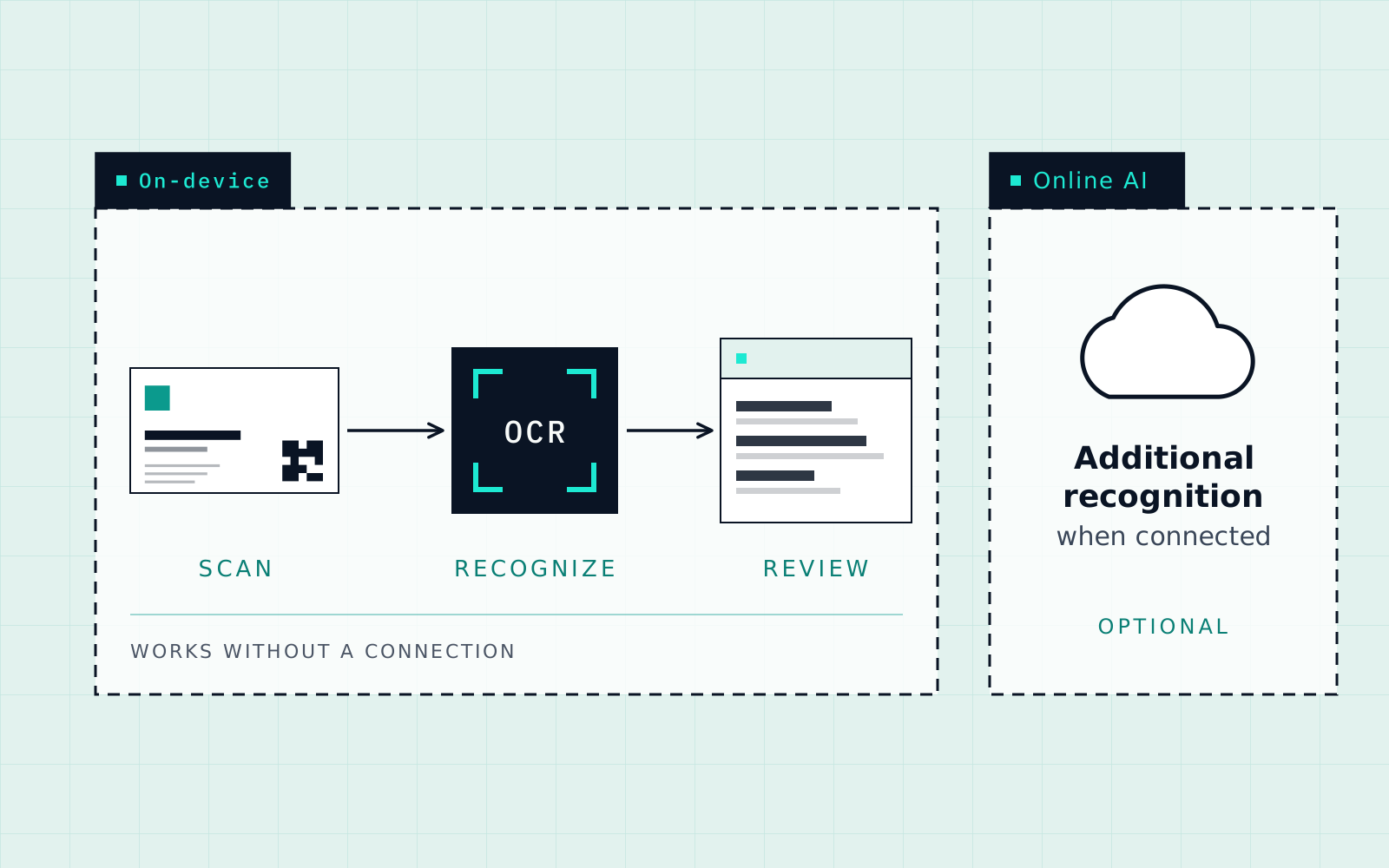
Sharing your card is half of an exchange. If you scan their card and send yours straight afterwards, both of you leave with each other’s details and a thread to continue.
Premium adds custom WhatsApp templates, which help when you send the same follow-up often. Add a short note and a reminder to the contact so the conversation does not stall. The visiting card guide for Indian businesses shows how that fits into a daily workflow, and this guide covers saving the cards you receive.
Do you still need paper?
Many people carry both. A Digital Card does not replace a formal handover in every meeting. The comparison of digital and paper cards sets out where each works better.
Key takeaways
- A Cardenius Digital Card can be shared on WhatsApp, as a QR code, PDF, image, link, vCard or text.
- WhatsApp sharing and 5 Digital Card templates are included on the Free plan.
- Use QR in person, vCard when you want them to save you as a contact, and PDF when you need an attachment.
- PDF shares your Digital Card. It is not a contact export format.
Frequently asked questions
What formats can I share my Digital Card in?
WhatsApp, QR, PDF, image, link, vCard and text.
Is WhatsApp sharing free?
Yes. WhatsApp sharing is included on the Free plan, along with 5 Digital Card templates.
When should I use a QR code?
When the other person is in front of you. They can open the shared card with a compatible QR reader.
Can I use PDF to back up my contacts?
No. PDF is for sharing your Digital Card. Saved contacts export as CSV, Excel or vCard.
Can I send follow-up messages from templates?
Custom WhatsApp templates are part of Premium.