What “free” means for a scanner app
Free scanner apps use a few common models, and they behave very differently once you have fifty cards instead of five:
- A permanent free plan with limits. You can keep using it, but scans, saved contacts or features are capped.
- A free trial. Everything works for a set period, then you pay or lose access to some features.
- Free with ads. The core tools are available and ads appear in the app.
Check which model an app uses, and what the limit is, before you scan your whole stack into it. Moving hundreds of contacts out later is slow if the app makes export difficult.
For reference, Cardenius Free includes up to 50 contacts, 5 AI scans a day, 100+ languages, 3 categories and 3 reminders. Premium removes the contact and scan limits. There is also a 15-day trial with no credit card, with up to 50 contacts or cards during the trial.
Seven things worth comparing
1. Scan quality on your cards
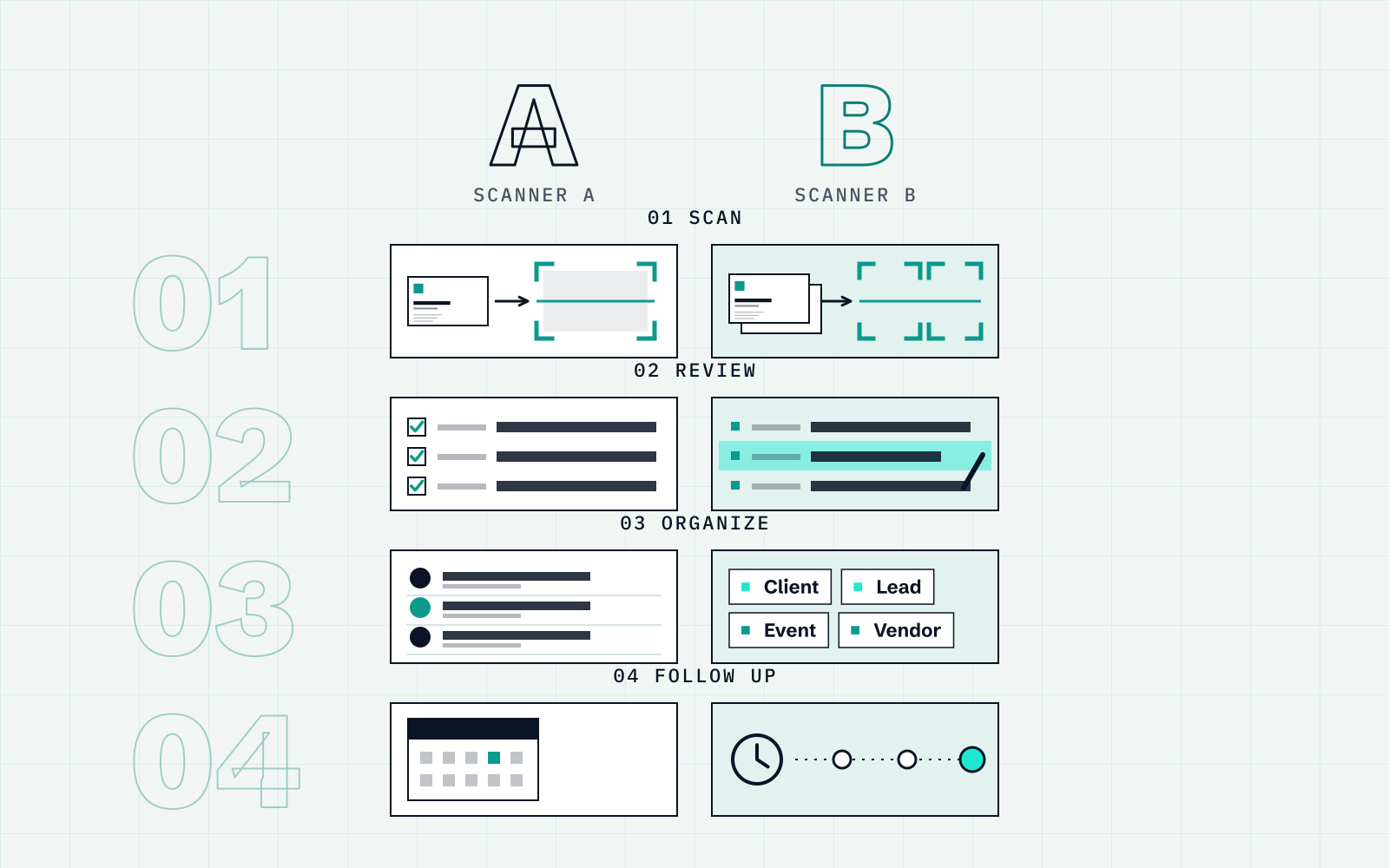
No scanner reads every card correctly. What matters is how often it is wrong on cards like yours, and how quickly you can fix it. Look for a review screen that shows every extracted field before saving. Cardenius shows the extracted fields so you can review and correct them first.
2. Languages and scripts
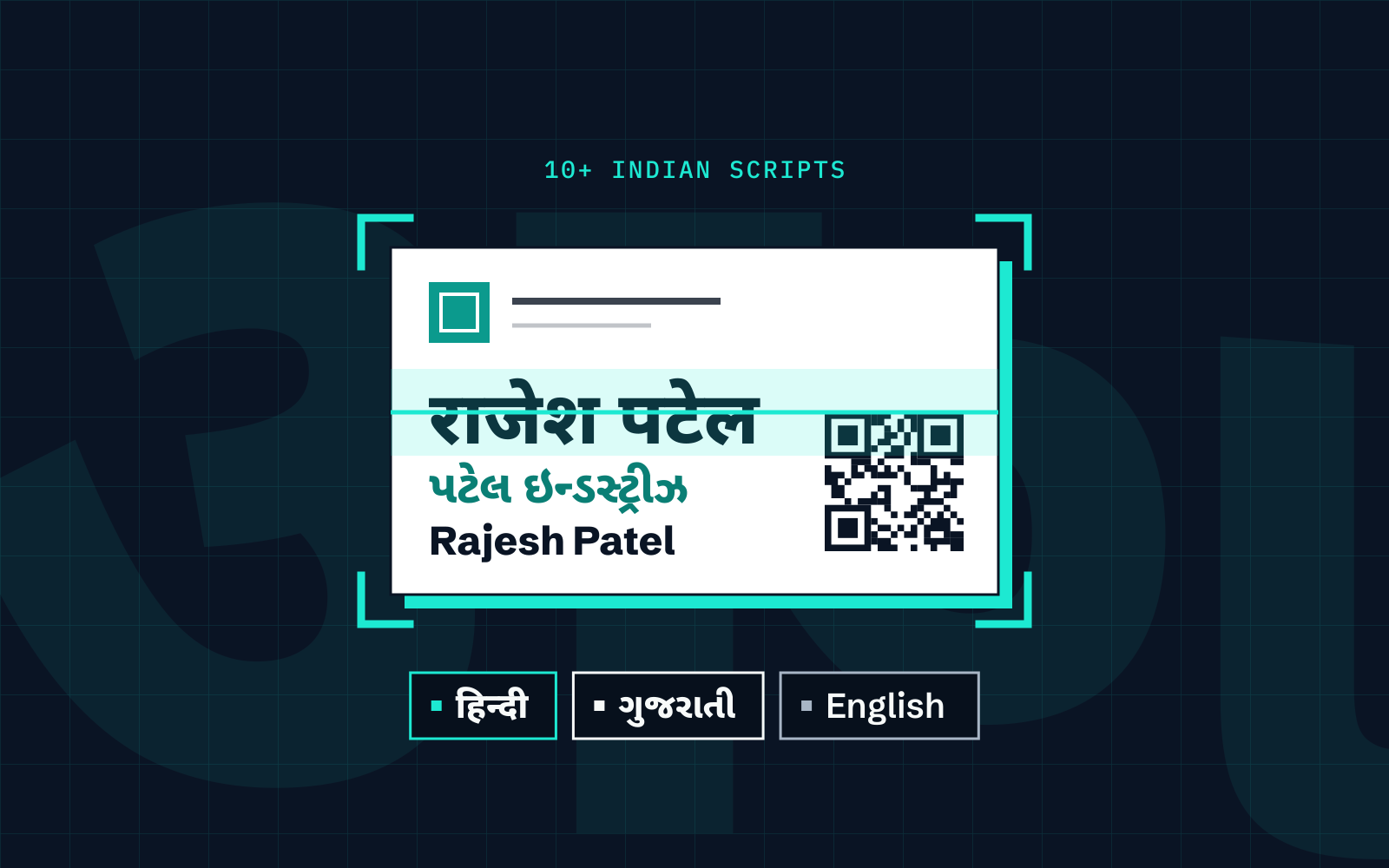
Check the language list on the store page, then test a card in each script you handle. If cards mix scripts, check whether both are read on the same card. Cardenius reads 100+ languages, including 10+ Indian scripts alongside English.
3. Working without a connection
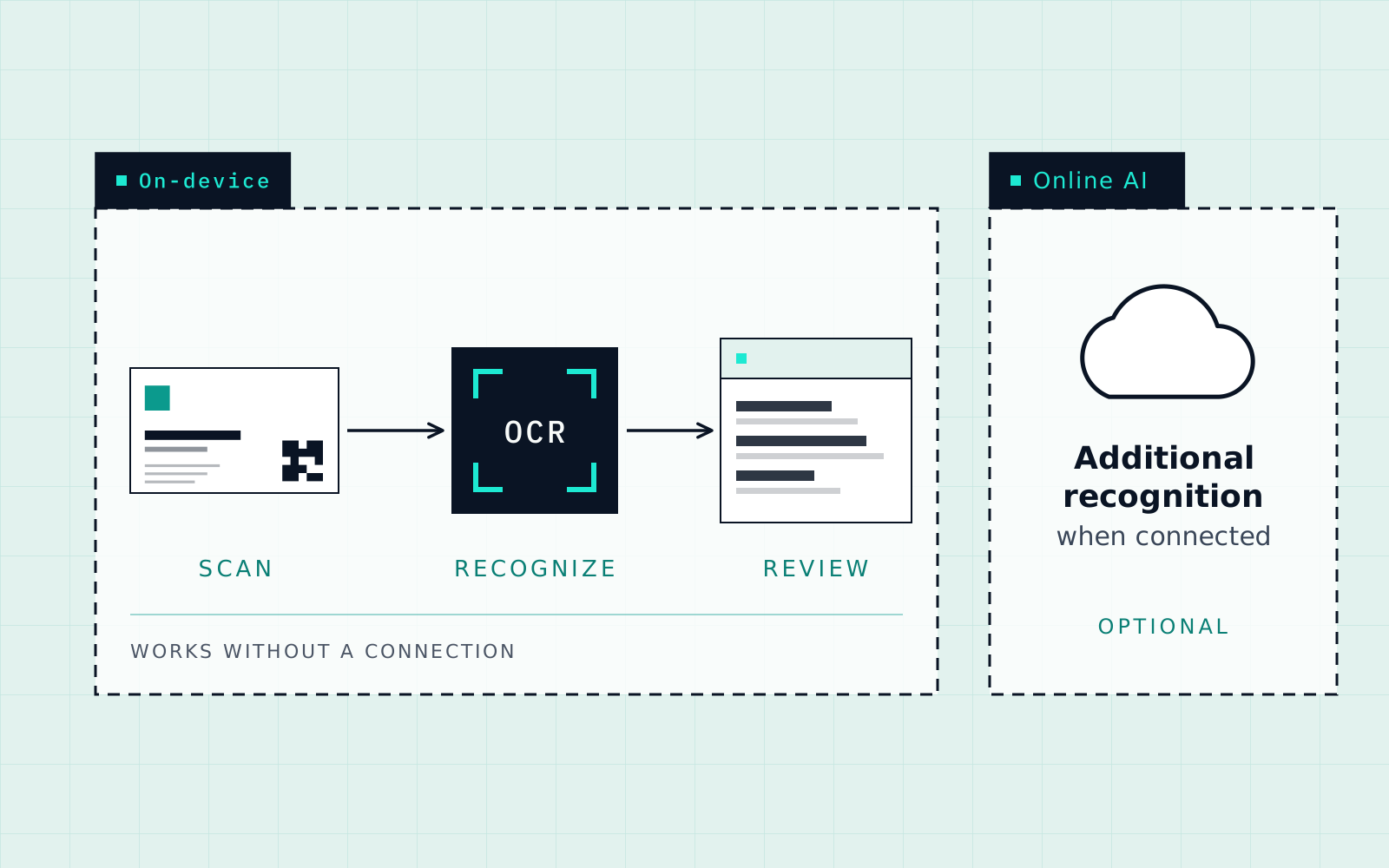
Find out which steps need internet. Some apps send every photo to a server; others recognise text on the phone. Cardenius has on-device recognition plus additional online AI recognition. The offline guide lists what needs a connection.
4. Limits on the free plan
Write down the caps: scans per day or month, saved contacts, categories, reminders, export. A cap that suits five cards a week can be a wall after an exhibition.
5. Organization after the scan
Scanning is half the job. Check for categories or groups, tags, search, notes and reminders. Cardenius includes categories, tags with multi-tag filtering, search, bilingual search, a lead pipeline, notes and interaction history.
6. Export and portability
Export a handful of contacts and open the file where you actually use contacts. Cardenius exports saved contacts as CSV, Excel or vCard, and imports CSV, vCard and phone contacts.
7. Privacy and permissions
Read the privacy policy, look at which permissions the app requests, and check whether it offers an app lock and how backups are stored. Cardenius includes App Lock and encrypted cloud backup. A policy is more reliable than any summary, including this one.
A 20-minute test you can run yourself
Pick two or three candidates and give each the same ten cards. Choose cards that are hard on purpose: a glossy one, one with white text on a dark background, a vertical layout, very small print, and one in two languages.
- Install each app and note what it asks permission for.
- Scan the ten cards in the same light, one app at a time.
- Count wrong or missing fields, and time how long the corrections take.
- Switch on airplane mode and scan one card.
- Export five contacts to CSV or vCard and open them in your contacts app or a spreadsheet.
- Keep going until you hit a free-plan limit, so you know what it feels like.
| Criterion | What to record | Why it matters |
|---|---|---|
| Field errors | Wrong or missing fields out of ten cards | Shows how often you will need to correct a card |
| Correction time | Seconds per card to fix errors | A clumsy review screen costs more than a few errors |
| Script handling | Result on your multilingual card | Matters most if your cards are not in English only |
| Offline behaviour | What works in airplane mode | Matters at events and when travelling |
| Free-plan limit | Where it stops you | Decides whether free is enough for you |
| Export | Format and whether it opens cleanly | Decides whether you can leave later |
Reading a plan page: a checklist
Open each app’s plan or pricing page and write down answers to these questions. If a page does not answer one of them, that is information too.
- How many scans can I do per day or per month on the free plan?
- How many contacts can I save before I am asked to pay?
- Which features sit behind the paid plan, and which of them do I use?
- Is there a free trial, how long is it, and does it need a credit card?
- What happens to my data and my saved contacts if I stop paying?
- Can I export everything, and in which formats?
For Cardenius, the answers are: up to 5 AI scans a day and up to 50 contacts on Free; Premium for unlimited scans and contacts, Event Mode, Batch Scan, encrypted cloud backup and more; a 15-day trial with no credit card and up to 50 contacts or cards; and export as CSV, Excel or vCard.
How to read ratings and reviews
Ratings are a starting point. Read the most recent reviews rather than the average, and look for patterns: several people mentioning the same problem with the same kind of card is more useful than a single complaint. Reviews that describe a specific card or language are worth more than general praise.
Be careful with older reviews. Apps change, so a complaint from two years ago may no longer apply, and a plan that was generous then may be limited now. Treat reviews as questions to test, not as results.
When paying makes sense
A free plan is enough if you scan a few cards a week and keep fewer contacts than the cap. Paying starts to make sense when you hit a limit that costs you time: a daily scan cap that stops you at an event, a contact cap that forces you to delete old people, or a missing feature such as backup.
Before you pay, check that the paid plan removes the limit that is actually blocking you, and that you can still export your contacts if you cancel.
Building your shortlist
Search your app store for business card scanner apps and open the listing of each one that looks relevant. Check when it was last updated, what the recent release notes say, whether there is a support contact, and what the privacy policy says. A very high rating count tells you an app is popular. It does not tell you it reads your cards well.
Decide your must-haves before you look: your languages, whether you need offline use, how many cards you scan in a month and whether you need export to a spreadsheet. Anything that fails a must-have is out, whatever else it offers.
Common trade-offs on free plans
- Generous scans, small contact limit. Fine for trying an app, awkward for a real contact database.
- Everything unlocked for a trial. Good for evaluation, but check what you lose when it ends.
- Strong scanning, weak organization. You still end up with a flat list of names.
- Simple export, no import. You can leave, but you cannot bring your existing contacts in.
Where Cardenius fits
Cardenius is a free-to-start scanner with multilingual reading, on-device recognition, categories, tags, search, a lead pipeline, Digital Cards and export. Its Free plan is limited in contacts, daily AI scans, categories and reminders, as listed above. Run the same test on it as on any other app. For a direct look at one alternative, see CamCard vs Cardenius.
Key takeaways
- Decide your must-haves first: languages, offline use, volume and export.
- Free plans differ most in their limits. Write the caps down before you scan a large stack.
- Test every candidate with the same ten difficult cards, and count the fixes.
- Export a few contacts early, so you know you can leave.
Frequently asked questions
Which free business card scanner is the best?
There is no single answer. It depends on your languages, how many cards you scan and whether you need offline use or export. This guide gives you the criteria and a test to find the best fit for you.
Is a free trial the same as a free plan?
No. A free plan has no end date but has limits. A trial gives wider access for a set time. Cardenius has both: a free plan, and a 15-day trial with no credit card and up to 50 contacts or cards.
How many cards should I test?
Ten is enough if they are varied: glossy, dark, small print, vertical and multilingual cards.
How can I check how an app treats my data?
Read its privacy policy, look at the permissions it requests, and check whether it has an app lock and how backups are stored.
Does a free scanner work for non-English cards?
Check the language list and test one of your own cards. Cardenius reads 100+ languages, including 10+ Indian scripts, on the Free plan.